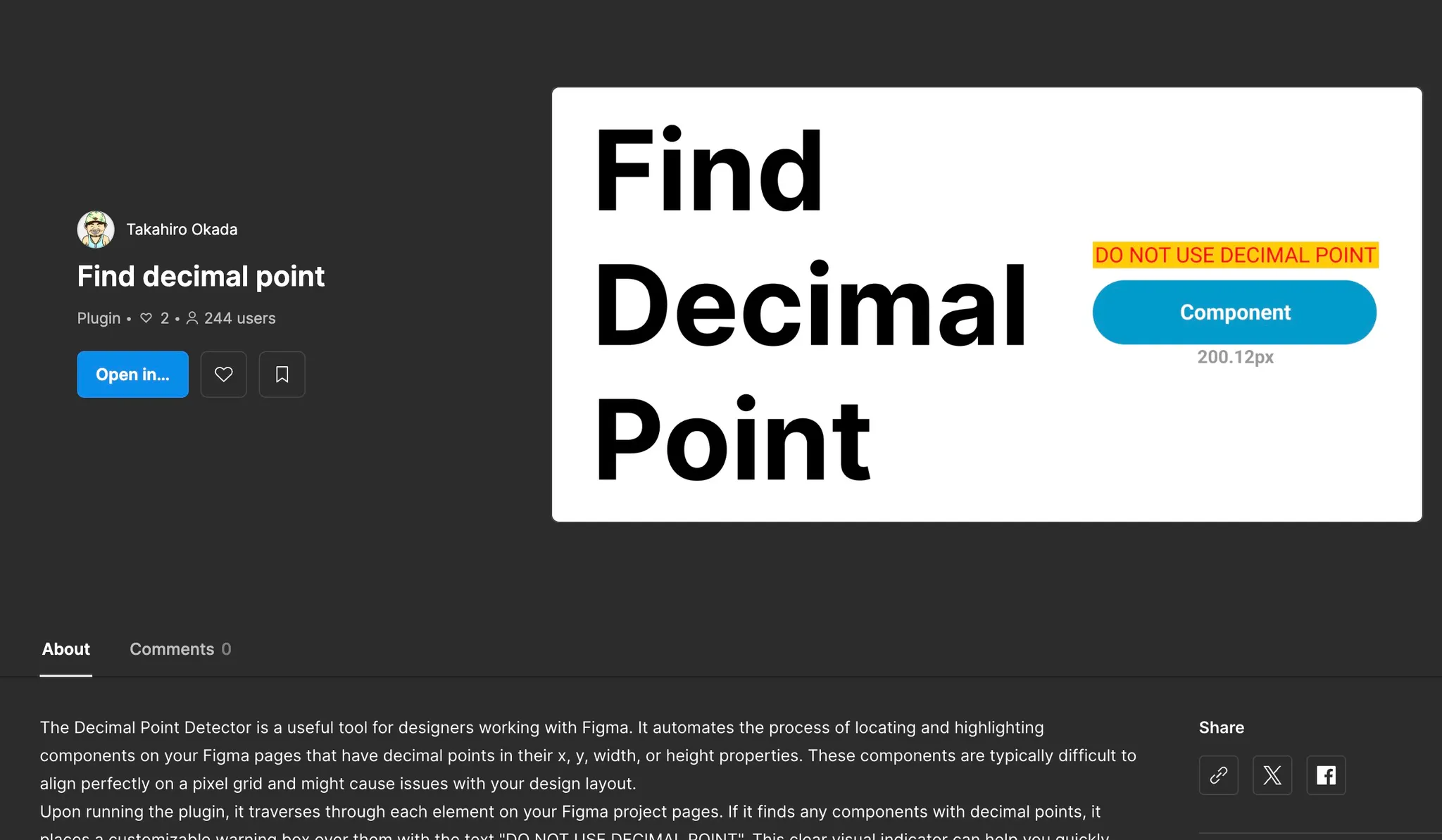
【Figma Plugin】 Find decimal point
TypeScript
Summary
Decimal Point Detector is a productivity-focused Figma plugin designed to ensure pixel-perfect precision in UI design. It automates the tedious process of finding layers with sub-pixel values (decimal points) in their X/Y coordinates or width/height dimensions. By highlighting these inconsistencies, the tool helps designers avoid blurry exports and layout misalignments, maintaining a high standard of design quality.
Features

- Automated Layer Scanning: Recursively traverses all elements within a Figma page to identify any components with non-integer values.
- Visual Warning Overlays: Automatically places customizable "DO NOT USE DECIMAL POINT" markers over problematic elements for instant identification.
- Customizable UI: Features a user-friendly interface built with the Figma API, allowing users to personalize warning colors (box and text) to suit their workspace.
- Success Notification: Provides instant feedback with a "Perfect components!" message when no decimal points are detected, ensuring peace of mind before handoff.
The Most Difficult Part
The primary technical challenge was efficiently traversing deeply nested layers in large Figma files without compromising performance. In complex design systems with thousands of nodes, a simple recursive search can block the main thread, causing the Figma UI to freeze. Additionally, calculating the absolute global position of elements nested within multiple transformed frames to place the warning overlays accurately was a complex geometric task.
How to Solve the Problems
- Optimized Traversal Logic: I implemented an asynchronous processing approach that breaks down the layer scanning into smaller chunks. This prevents the plugin from hogging the main thread and ensures the Figma interface remains responsive even during heavy scans.
- Coordinate Space Mapping: I utilized Figma’s
absoluteTransformandabsoluteRenderBoundsproperties to accurately determine the exact canvas position of nested elements, ensuring the warning markers were perfectly aligned regardless of the layer hierarchy. - Clean UI State Management: I developed a lightweight UI using HTML/CSS/JavaScript that communicates seamlessly with the Figma plugin backend via
postMessage, allowing for real-time color customization and instant feedback.